| Filter Name | Product |
|---|---|
| Max Print Resolution (black) | Printer |
What is this filter?
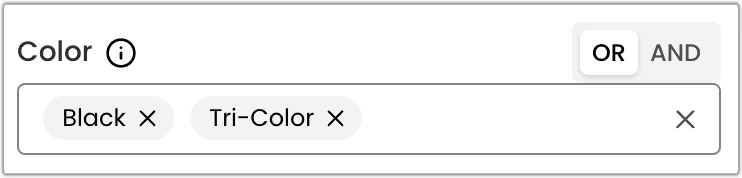
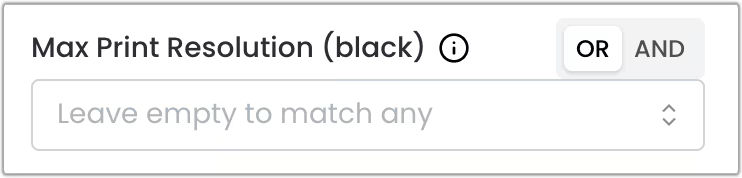
This filter is a multi-select component that allows you to select multiple options at the same time. Combined with the OR and AND operators, it provides a flexible way to filter your search results.
When to Use This Filter
Use this filter when you want to find printers that can print at a specific resolution using only black ink.
The resolution is defined as the maximum number of dots per inch (DPI) that the printer can produce. The resolution values are displayed as “X x Y”, where X is the horizontal resolution and Y is the vertical resolution.
Logical Operators
You can use the OR and AND operators to combine multiple options and refine your search.
OR Operator (Default)
Returns products that match at least one of the selected options.
Example: Selecting “1200 x 1200” OR “1200 x 600” will show all printers that can print at a maximum resolution of 1200 x 1200 or 1200 x 600.
AND Operator
Returns products that match all of the selected options simultaneously.
Example: Selecting “1200 x 1200” AND “1200 x 600” will not return any results since there are no printers that have different maximum resolutions using black ink at the same time.